Windows
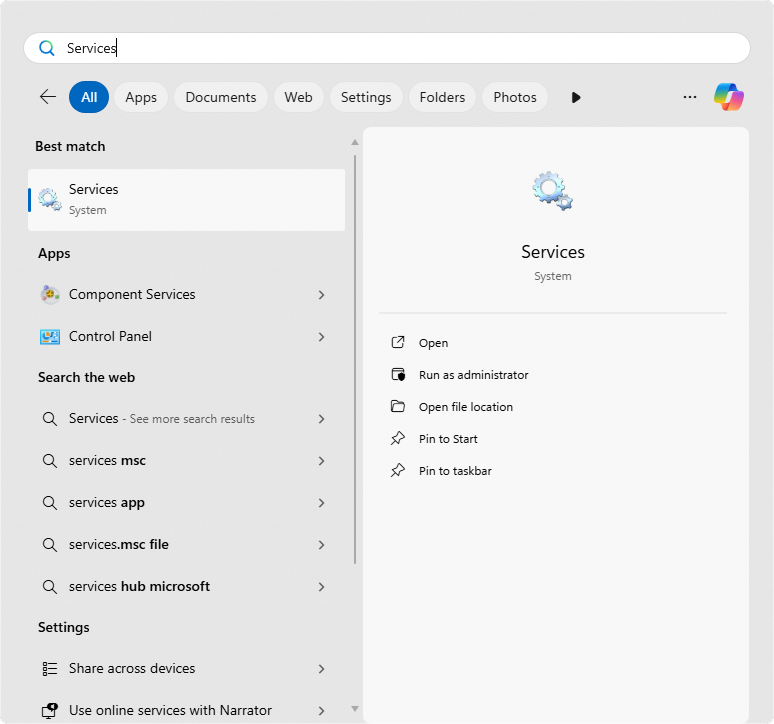
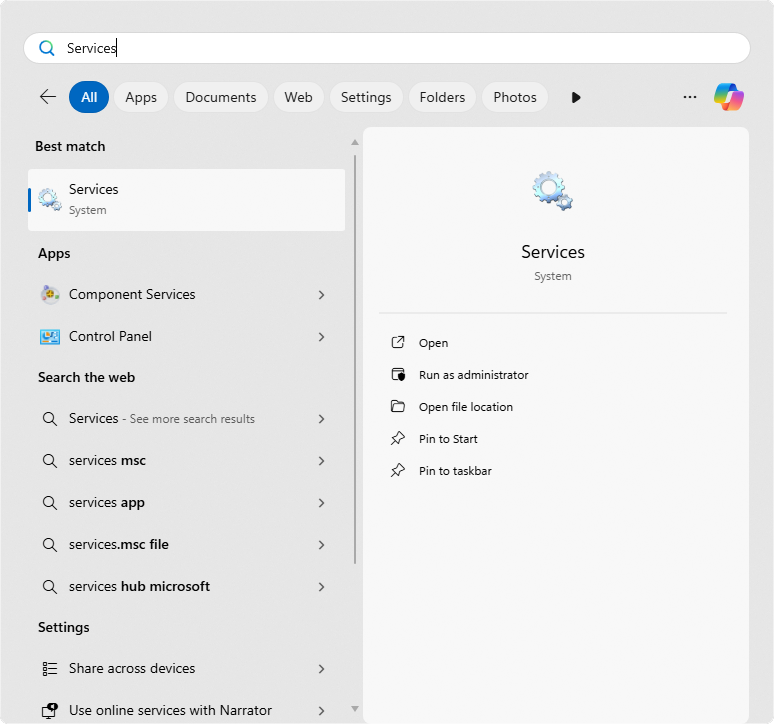
Open the Start menu and search for Services.
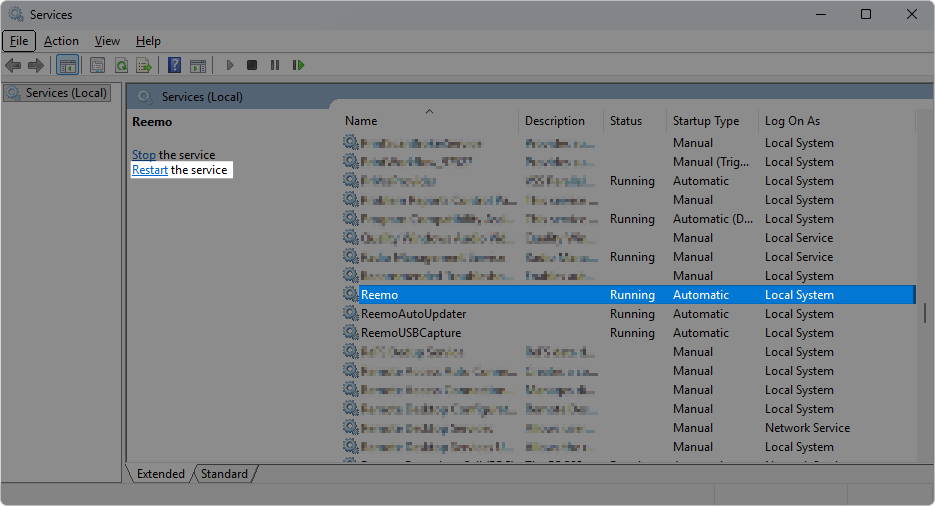
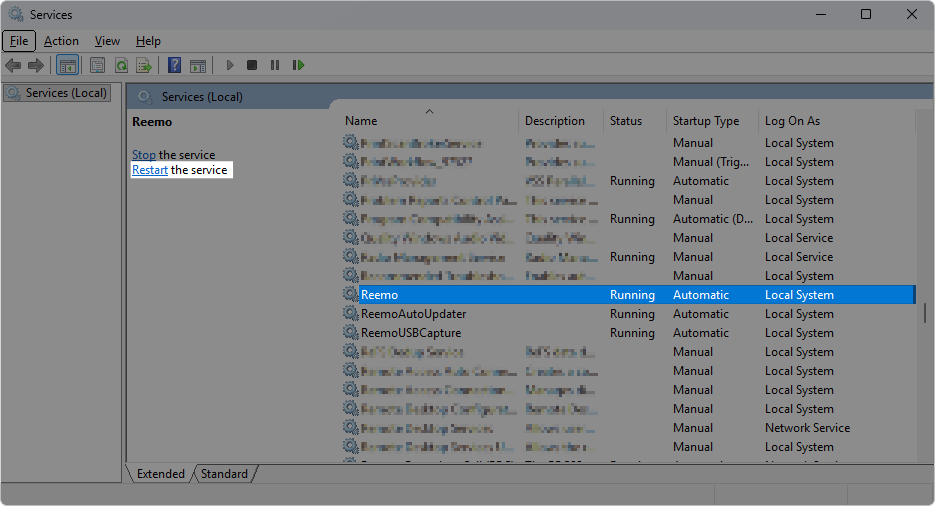
In the list of services, locate Reemo.
Select it, then click Restart in the left panel.
Linux
Run this command in a terminal with administrator rights:
sudo systemctl restart reemod.service
MacOs
Run the following commands in a terminal with administrator rights:
sudo launchctl unload /Library/LaunchDaemons/io.reemo.reemod.service.plist
launchctl unload /Library/LaunchAgents/io.reemo.reemod.capture.plist

sudo launchctl load /Library/LaunchDaemons/io.reemo.reemod.service.plist
launchctl load /Library/LaunchAgents/io.reemo.reemod.capture.plist
Was this article helpful?
That’s Great!
Thank you for your feedback
Sorry! We couldn't be helpful
Thank you for your feedback
Feedback sent
We appreciate your effort and will try to fix the article